

Introduction to the Server Time Indicator
Timing trades is a very important skill that traders should develop. Traders should time their trades in a way that their trades are entered not too late, but their trade setups are still valid. One way to do this is to trade at the close of the candle, in which the Server Time indicator can be used for.
What is the Server Time Indicator?
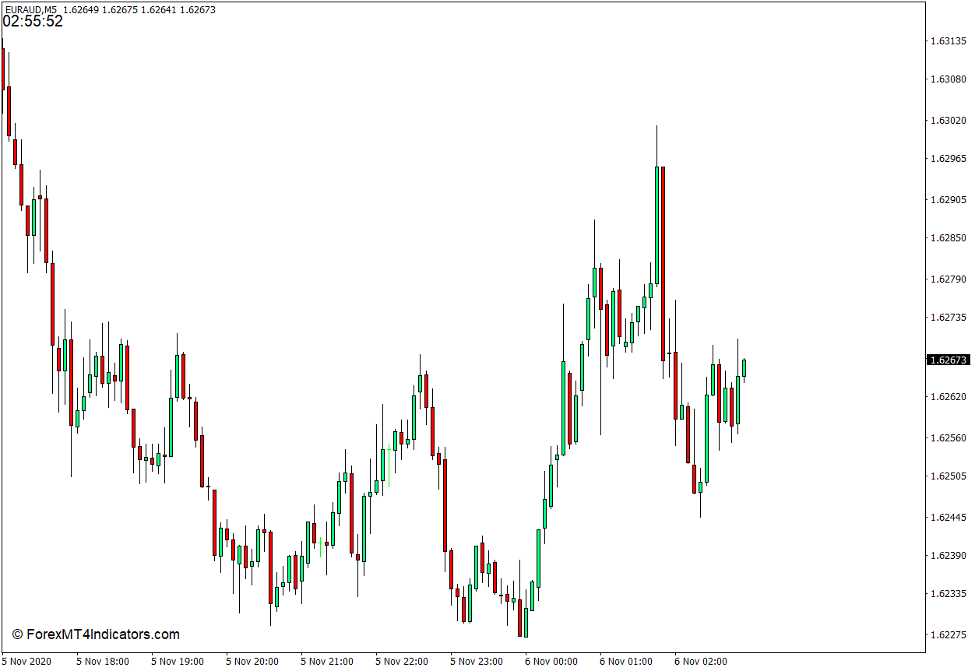
The Server Time indicator is a simple custom technical indicator which displays time. It is like a clock which is displayed on the upper left corner of the price chart in which the time displayed is based on the server’s local time.
How the Server Time Indicator Works?
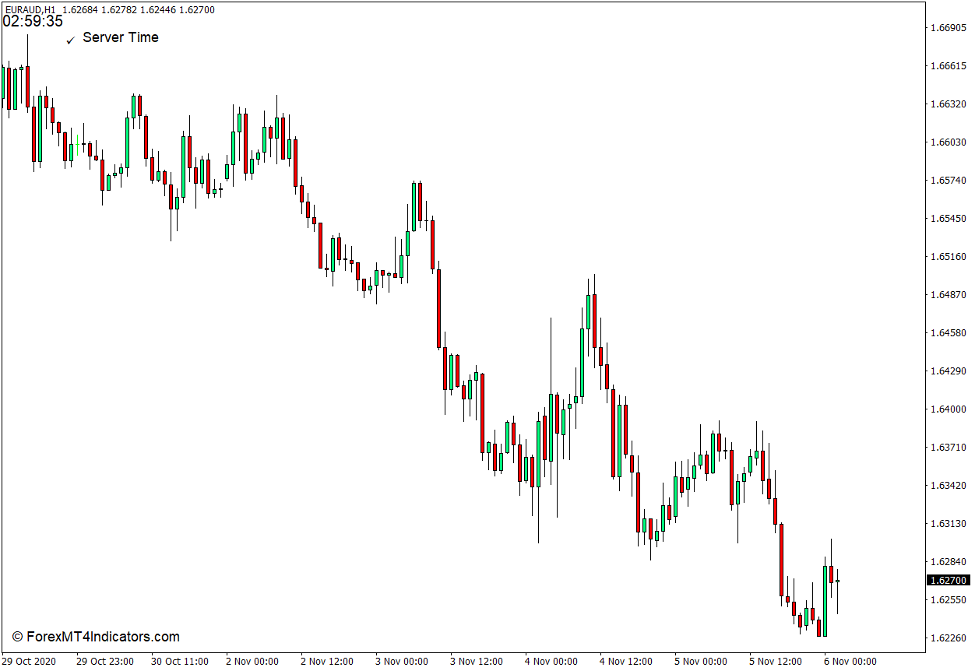
The Server Time indicator simply retrieves the local time of the server and displays it on the upper left corner of the chart. The time it displays is the same time value on the x-axis of the chart. It displays the hour, minutes, and seconds value of time.
How to use the Server Time Indicator for MT4
The Server Time indicator is not the type of technical indicator which can provide indications where price could be moving next. It does not indicate trends, momentum, mean reversals, or any other factors that can be used for technical analysis.
However, the information it gives is very important. The current time is a feature that is lacking on the MT4 software. Without the use of this type of indicator, traders will not see time on the price chart, except for the time markers on the x-axis of the chart.
One important habit that seasoned traders do when trading the forex market is to trade at or near the close of a candle. This is because trade setups can still be nullified when you are opening trades on candles that are not yet closed. Breakouts can still reverse to fake outs. Reversal candlestick patterns can still change. Trade signals coming from other technical indicators can still repaint.
Traders can use this indicator to time their trades properly and avoid trading non-existent trade setups. Open trades only when the Server Time indicates that the current candle is about to close.
Buy Trade Setup
When to Enter?
Identify a valid bullish trade setup based on various confluences. Open the buy trade order only as the candle closes based on the Server Time, while the trade setup factors are still valid. Set the stop loss on the support below the trade setup.
When to Exit?
Set a take profit based on the trade setup or close the trade as price action shows signs of a probable reversal.

Sell Trade Setup
When to Enter?
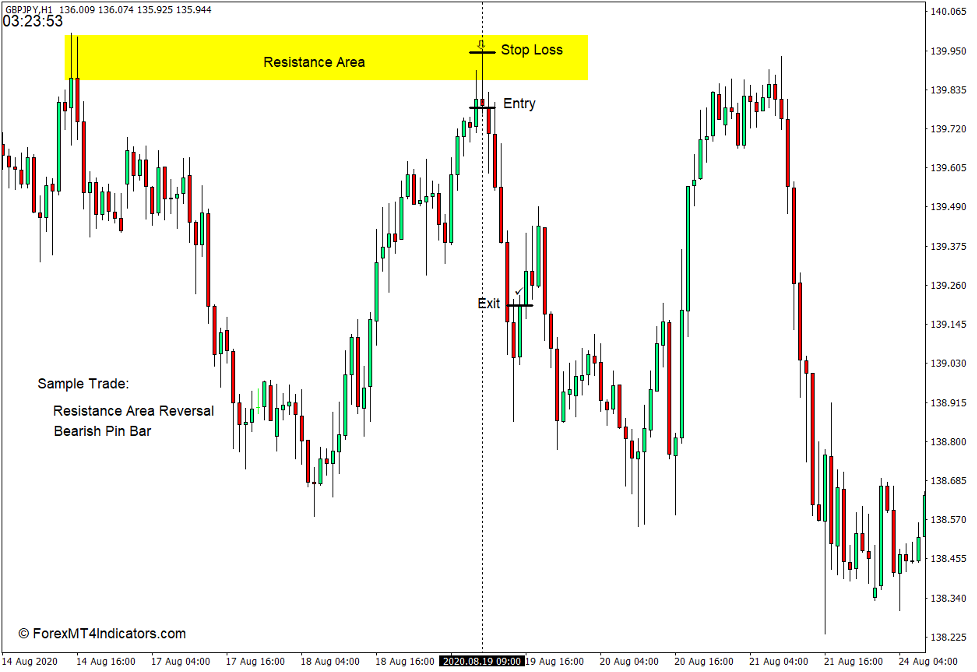
Identify a valid bearish trade setup based on various confluences. Open the sell trade order only as the candle closes based on the Server Time, while the trade setup factors are still valid. Set the stop loss on the resistance above the trade setup.
When to Exit?
Set a take profit based on the trade setup or close the trade as price action shows signs of a probable reversal.
Conclusion
This indicator is not the type of indicator which many traders would be excited about right away. However, it is still very useable. In fact, its use could be very important since many traders tend to enter losing trades because they did not wait for the candle to close.
MT4 Indicators – Download Instructions
Server Time Indicator (Clock) for MT4 is a Metatrader 4 (MT4) indicator and the essence of this technical indicator is to transform the accumulated history data.
Server Time Indicator (Clock) for MT4 provides for an opportunity to detect various peculiarities and patterns in price dynamics which are invisible to the naked eye.
Based on this information, traders can assume further price movement and adjust their strategy accordingly. Click here for MT4 Strategies
Recommended Forex Metatrader 5 Trading Platform
- Free $30 To Start Trading Instantly
- Deposit Bonus up to $5,000
- Unlimited Loyalty Program
- Awards Winning Trading Broker

Click Here for Step By Step XM Trading Account Opening Guide
How to install Server Time Indicator (Clock) for MT4.mq4?
- Download Server Time Indicator (Clock) for MT4.mq4
- Copy Server Time Indicator (Clock) for MT4.mq4 to your Metatrader Directory / experts / indicators /
- Start or restart your Metatrader 4 Client
- Select Chart and Timeframe where you want to test your MT4 indicators
- Search “Custom Indicators” in your Navigator mostly left in your Metatrader 4 Client
- Right click on Server Time Indicator (Clock) for MT4.mq4
- Attach to a chart
- Modify settings or press ok
- Indicator Server Time Indicator (Clock) for MT4.mq4 is available on your Chart
How to remove Server Time Indicator (Clock) for MT4.mq4 from your Metatrader Chart?
- Select the Chart where is the Indicator running in your Metatrader 4 Client
- Right click into the Chart
- “Indicators list”
- Select the Indicator and delete
Server Time Indicator (Clock) for MT4 (Free Download)
Click here below to download:
La entrada Server Time Indicator (Clock) for MT4 se publicó primero en ForexMT4Indicators.com.